Video lessons
Competency-aligned lessons arranged by grade, subject, term, and week.
Browse resourcesUse school-approved digital tools and media to watch competency-aligned lessons, listen to educational audio, explore presentations, and conduct guided online research.
 07
07Use these material groups to choose the most suitable source for your reading, lesson, or research task.
Competency-aligned lessons arranged by grade, subject, term, and week.
Browse resourcesListening materials, recorded readings, pronunciation, music, and learning audio.
Browse resourcesVisual explanations, classroom slides, and multimedia learning materials.
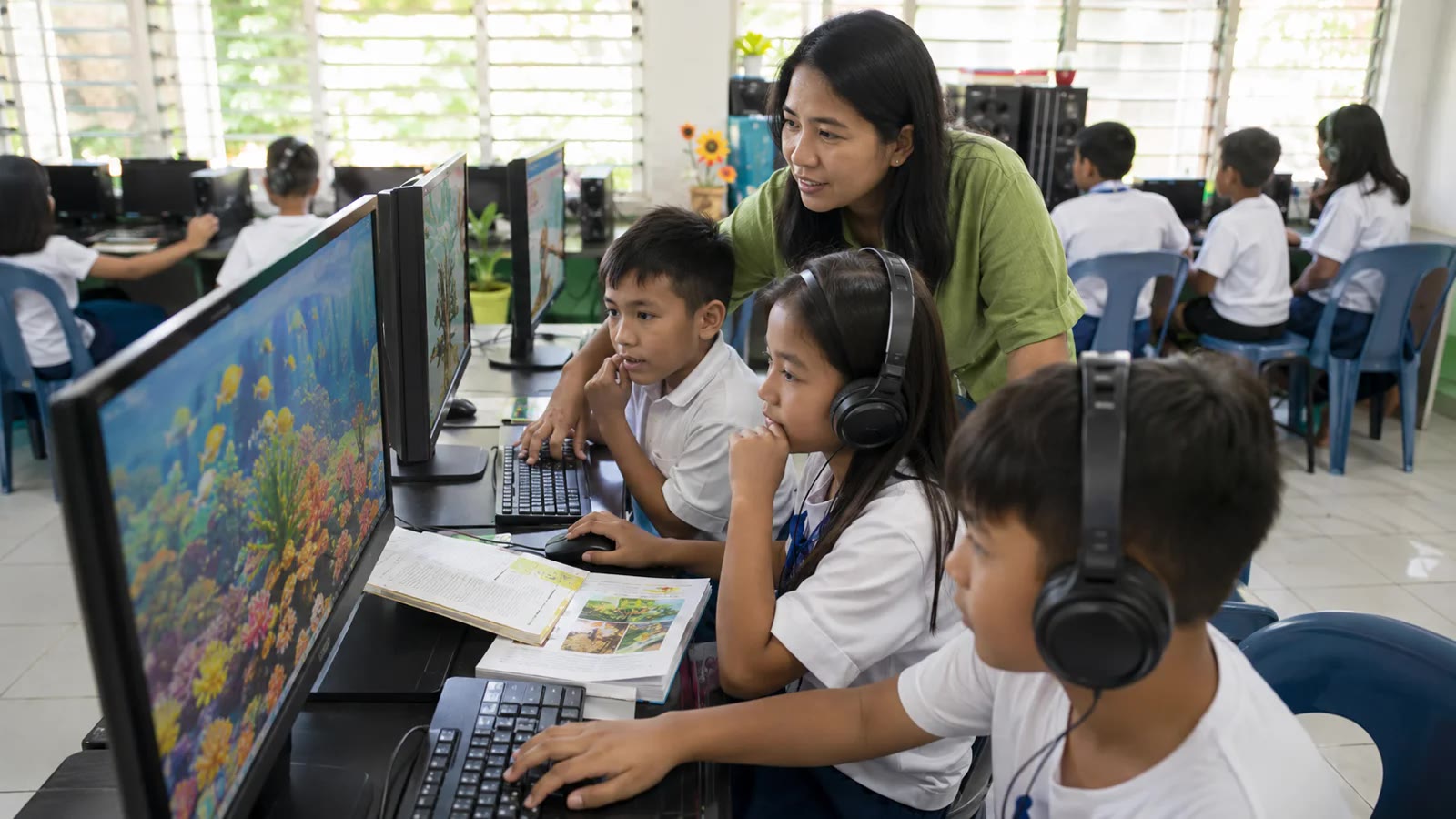
Browse resourcesComputers and guided links for responsible, age-appropriate investigation.
Browse resourcesFollow three clear steps to locate suitable material and use it responsibly.
Choose a subject, competency, term, week, or type of digital material.
Play the lesson or open the presentation inside the eLibrary when available.
Take notes, replay difficult parts, and complete the related learning task.
Multimedia resources combine sound, images, text, and interaction to support different learning needs and lesson goals.